

Introducing Sundial+
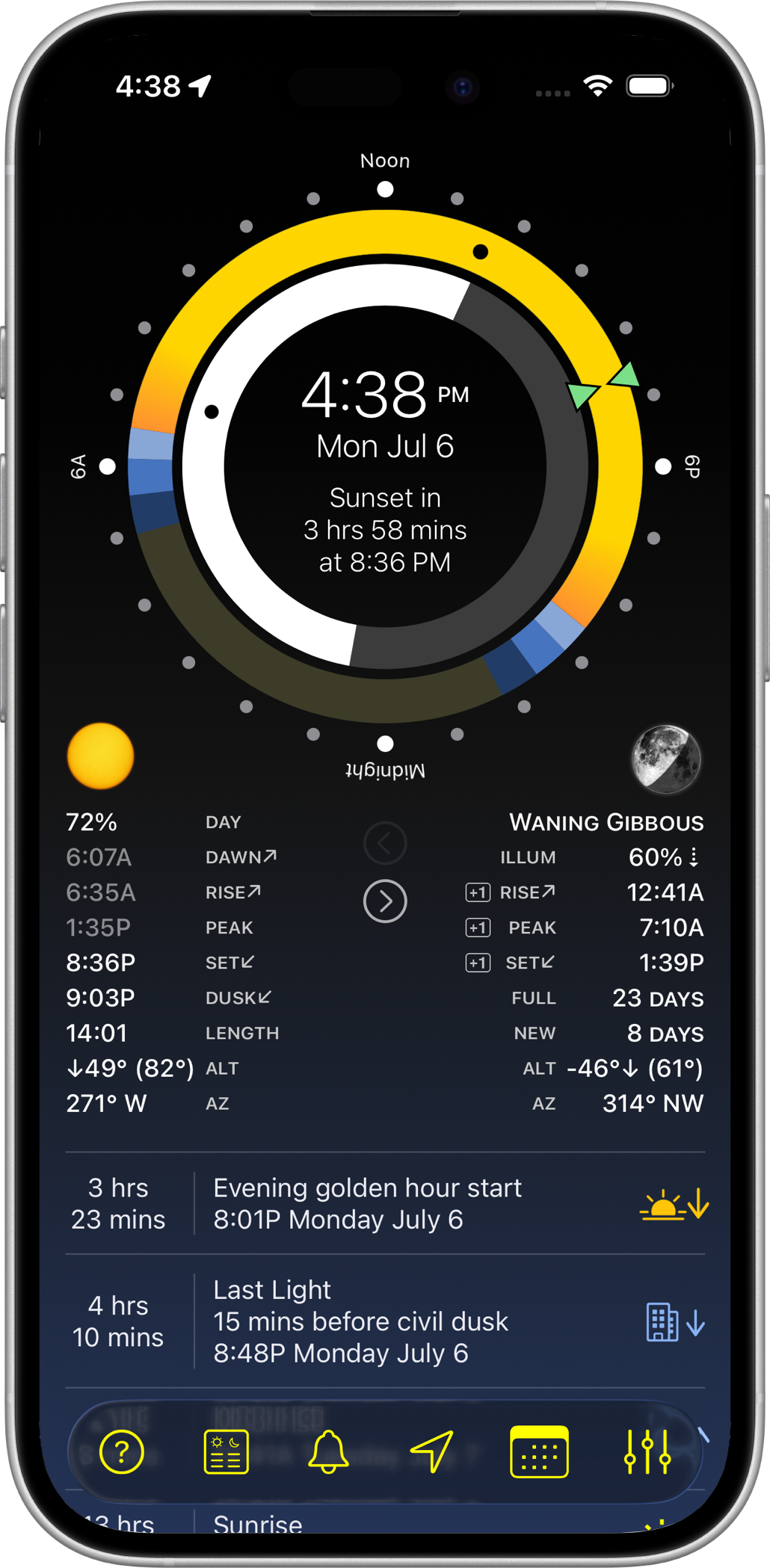
Welcome, Sundial Fan
Sundial+ is the next generation of the Sundial app for iPhone, iPad, and Apple Watch ("Sundial Classic"). Sundial+ is a 100% rewrite of the original app using Apple's latest tech: Swift and SwiftUI. Sundial+ is a new app in the App Store. Sundial Classic will remain available to existing customers: your purchase is still valid, and you can continue using it and reinstalling it on compatible devices from your App Store purchase history. Future operating-system or device changes may affect its compatibility.
Basic Sundial+ features will be free on iPhone and iPad, while alerts, widgets, Apple Watch complications, and advanced features will require a subscription. Your subscription helps fund maintenance and the development of new features.
Sundial+ requires iOS 26 or later, iPadOS 26 or later, and watchOS 26 or later.
What's New in Sundial+
Sundial+ has a whole bunch of new features:
- General improvements
-
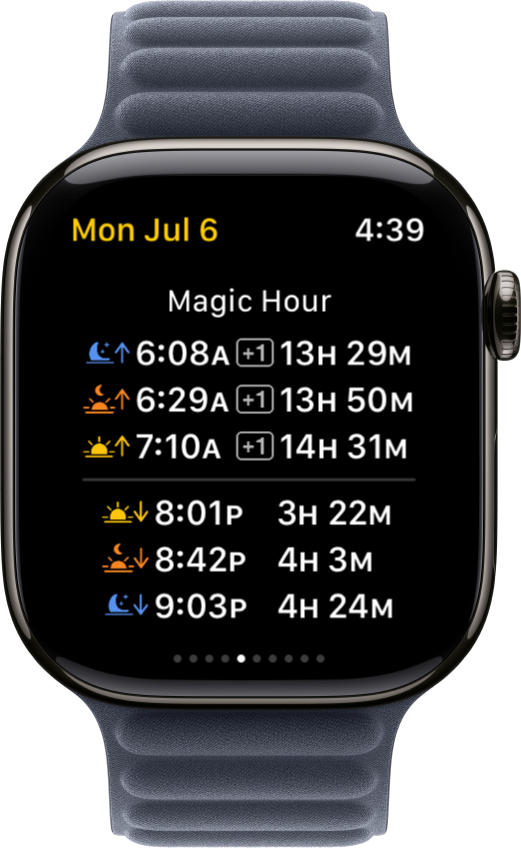
Golden hour and blue hour (aka "magic hour") are fully supported: show them on the dials, create alerts for them, and include them in widgets and complications. You can adjust the sun angle that defines these periods in the Sundial+ Settings screen.
- Improved accuracy of all solar and lunar data. Sundial Classic used simpler formulas to work within the limited CPU resources of early Apple Watches and iPhones, especially for background complication and widget updates. With older models phased out, I can now use more complex models.
- Adopts Apple's Liquid Glass design language.
- Available in 28 languages.
- Alert improvements
- New alerts for golden hour and blue hour.
- New alerts for waxing crescent, waxing gibbous, waning gibbous, and waning crescent moon phases.
- Adding new alerts is even easier: you can now search for events and sounds.
- You can export a preview of your upcoming alerts as a PDF, HTML, or Markdown file for a handy reference. Find this in the Alert Settings screen.
- Improved formatting for alerts and notifications on iPhone, iPad, and Apple Watch.
- Long-press a notification on iPhone or iPad to get a list of recent and upcoming notifications.
- iPhone and iPad App improvements
- Configurable home screens: select which solar and lunar data to show, and switch between different home screen sets.
- The time sweep on the dial now indicates the current time more precisely.
- Time travel can now jump to a specific time in addition to a specific date.
- Sundial+ on iPad now supports portrait mode, multitasking, and windowing.
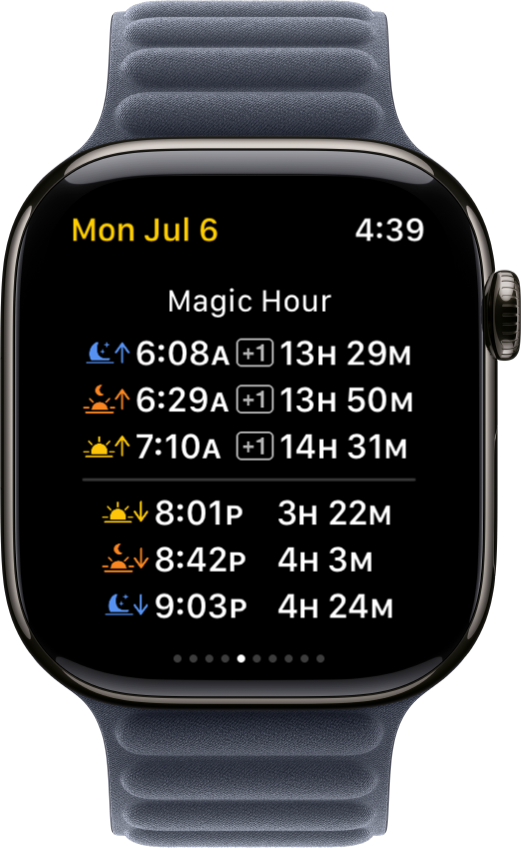
- Apple Watch widgets and complications are now fully configurable, just like their iPhone and iPad counterparts.
Special Offers for Sundial Classic Customers
If you purchased Sundial premium extras within the last year, you can claim a free one-year Sundial+ subscription. If you purchased a Sundial extra more than a year ago, you can claim a free three-month subscription.
If you accept the offer, the subscription will not renew automatically: the free period simply ends after twelve or three months unless you choose to subscribe later. So there is no catch.
The offer will appear when you launch the latest version of Sundial Classic available in the App Store (Sundial v10.17 or later). If you have already seen it, you can display it again in Sundial's app settings. The offer can be redeemed only once.
Your Sundial Classic settings, widgets, and complications will not automatically transfer to Sundial+. But there is a special one-time alert configuration import. First, launch Sundial Classic v10.17 or later. Then, the next time you launch Sundial+, it will prompt you to import your Sundial Classic alert definitions.
About the Author
There is no big team or company behind Sundial+. Mike Muegel developed the original Sundial and now develops Sundial+. Mike lives in Austin, Texas, USA.
Feedback & Contact
Please email Mike at contact@sundialapp.com.